MFA and SSO for Excel, desktop Office tools and legacy Windows applications.
Beanstalk gives Excel/VBA workbooks, desktop Office automation, ERP utilities, and older Windows applications the same SSO and MFA your cloud platforms already use — without replacing the software, hiding passwords in macros, or running a months-long migration project.
If your business relies on Excel spreadsheets that call JDE Orchestrations, Access/VBA tools, PowerBuilder or Delphi clients, or desktop utilities that still sit outside Microsoft Entra ID, Okta or another identity platform, Beanstalk is the practical bridge.
The gap between old software and modern security policy.
The people who need to implement it and the people who need to approve it care about different things. Here is what Beanstalk means to each of them.
For the IT team integrating it
- Beanstalk exposes a COM Automation interface. Excel/VBA, Access, Delphi, C++, older .NET, PowerBuilder and other Windows tools can call it with a few lines of code.
- No changes on the identity provider side. No custom application registration beyond what standard OIDC requires.
- Full PKCE flow with OIDC discovery. The browser handles the actual authentication; Beanstalk handles the token exchange.
- The calling application chooses the provider and tenant for each sign-in, so one installation can serve different environments without separate builds.
- Produces a verified identity result — and where the provider/scopes allow it, token material — without storing credentials anywhere near Excel macros or legacy code.
For the manager approving it
- The alternative is a platform replacement project measured in months and six figures. Beanstalk is a fraction of that cost with a fraction of the risk.
- Authentication policy stays centralised in the identity platform you already govern, audit, and pay for. Beanstalk does not introduce a new policy layer.
- Satisfies MFA and SSO requirements for applications that would otherwise fail a security review or compliance audit.
- Per-seat perpetual licence. No per-user subscription tiers, no annual renewal pressure, no platform lock-in.
- Extends the useful life of proven, stable software while bringing it in line with the rest of your security posture.
What actually happens.
From the user's perspective, they click sign in and a browser window appears — familiar, fast, identical to every other SSO login they do. From IT's perspective, the flow is auditable and the credentials never touch the legacy application.
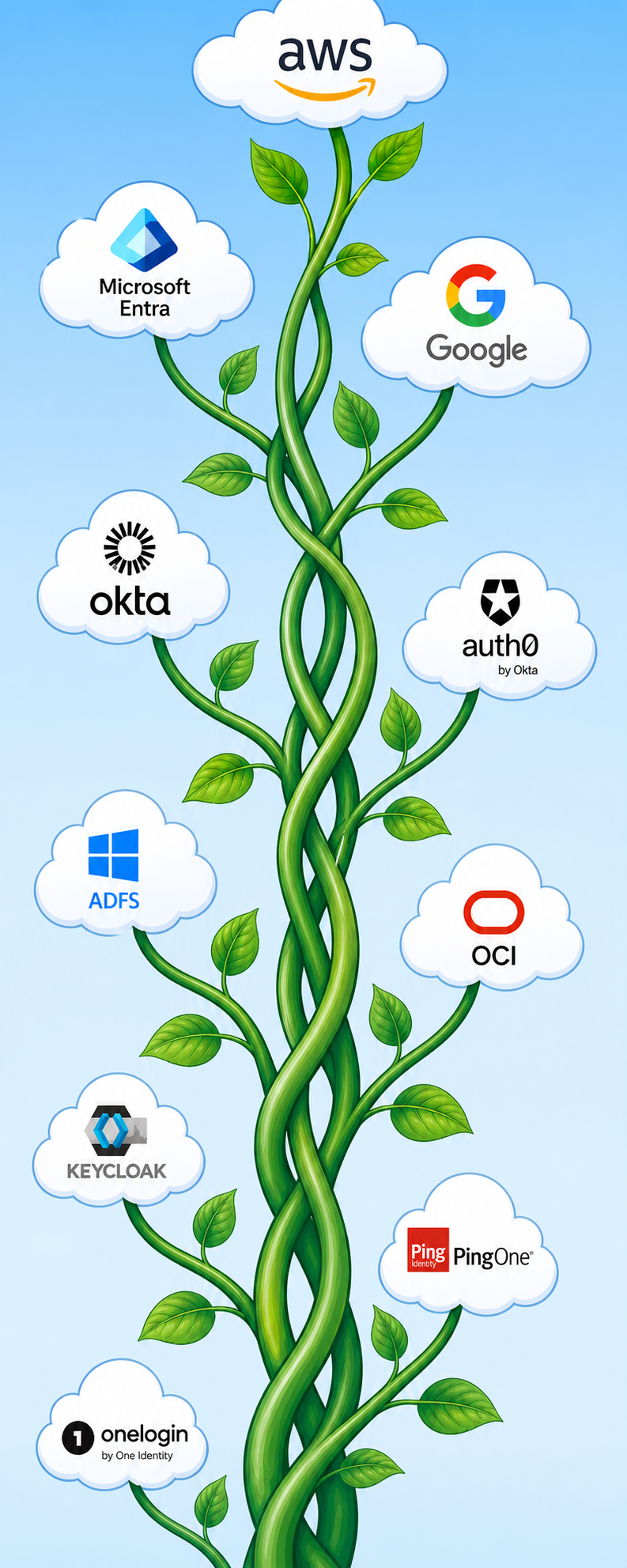
Works with the identity providers your business already uses.
No new infrastructure to introduce to your security team. No separate identity silo for legacy applications.
The practical details.
Beanstalk is intentionally narrow in scope. It does one thing well — brokering authentication between legacy Windows applications and modern identity providers — and stays out of the way of everything else.
What Beanstalk provides
- COM Automation server interface — callable from any language that supports COM.
- Full OIDC/PKCE authorisation code flow with JWKS-verified tokens.
- Per-call provider and tenant selection, so a single installed instance can serve multiple environments.
- Returns the verified principal (UPN / preferred_username) plus available claims, which the application maps to its own user records and roles.
- OIDC discovery and signing keys (JWKS) are cached, so sign-ins start without re-fetching provider metadata each time.
- Trial and licensing management built in — no separate licence server infrastructure needed in most deployments.
What it does not need
- No changes to the legacy application's source code — only an added call to the COM interface.
- No changes to the identity provider — standard OIDC application registration is sufficient.
- No new server infrastructure in most cases — Beanstalk runs on the desktop alongside the application it serves.
- No agent on the domain controller or active directory server.
- No inbound firewall rules — all connections are outbound from the user's machine to the IdP and (if used) to the licensing service.
Designed for controlled environments
Beanstalk is built for organisations that still operate core business processes on Windows desktop applications, client/server ERP, terminal emulation, or specialist line-of-business software — and need authentication to align with modern identity policy without disrupting that operational foundation.
- Per-machine installation with group policy-friendly deployment.
- Works alongside standard Windows deployment tooling — no custom infrastructure.
- Trial period available for evaluation in your environment against your identity provider, before any licensing commitment.
- Integration support available for specific legacy application and IdP combinations.
A finance or operations team that relies on a Windows ERP or bespoke application that predates cloud identity, but must now meet MFA requirements imposed by cyber insurance or a security audit.
A managed service provider deploying the same customer application across multiple tenants with different identity providers, needing per-tenant IdP configuration without maintaining separate builds.
Per-seat perpetual licence
A single licence covers one machine, permanently. No annual renewal, no per-user tier, no platform subscription. The licence travels with the application deployment, not with individual users.
Machine transfers are supported — if a user moves to a new workstation, the licence can be transferred to the new machine. Volume licensing is available for larger rollouts.
What the licence includes
- All identity provider types supported in the current major version.
- Updates within the licensed major version.
- Integration guidance for supported identity and legacy application scenarios.
- No source-code rights unless explicitly agreed separately.
Simple searches. Specific answers.
People do not usually search for “authentication broker”. They search for the problem: Excel MFA, Excel SSO, desktop Office Entra ID, or how to add MFA to a Windows application. These pages use the same plain language.
Background reading
Plain-English context on this product’s space — what it is, why it matters, and how it fits into a controlled JDE automation strategy. These guides live on JDE Citizen Developer.